Translations
Beaver Notes translations are community-driven: anyone can help, no coding required!
How Translations Work
v5 uses a self-hosted translation server to manage locale files. Translations are synced to src/assets/locales/*.json in the repository. Currently supported locales:
ar, de, en, es, fr, it, nl, pt, ru, tr, uk, vi, zh
The app loads the appropriate JSON file at runtime via Vite’s import.meta.glob. Each key in the JSON maps to a UI string in the app.
Getting Access
Email danielerolli@proton.me with the language(s) you’d like to work on. You’ll receive login details for the translation platform within 24 hours.
Translating
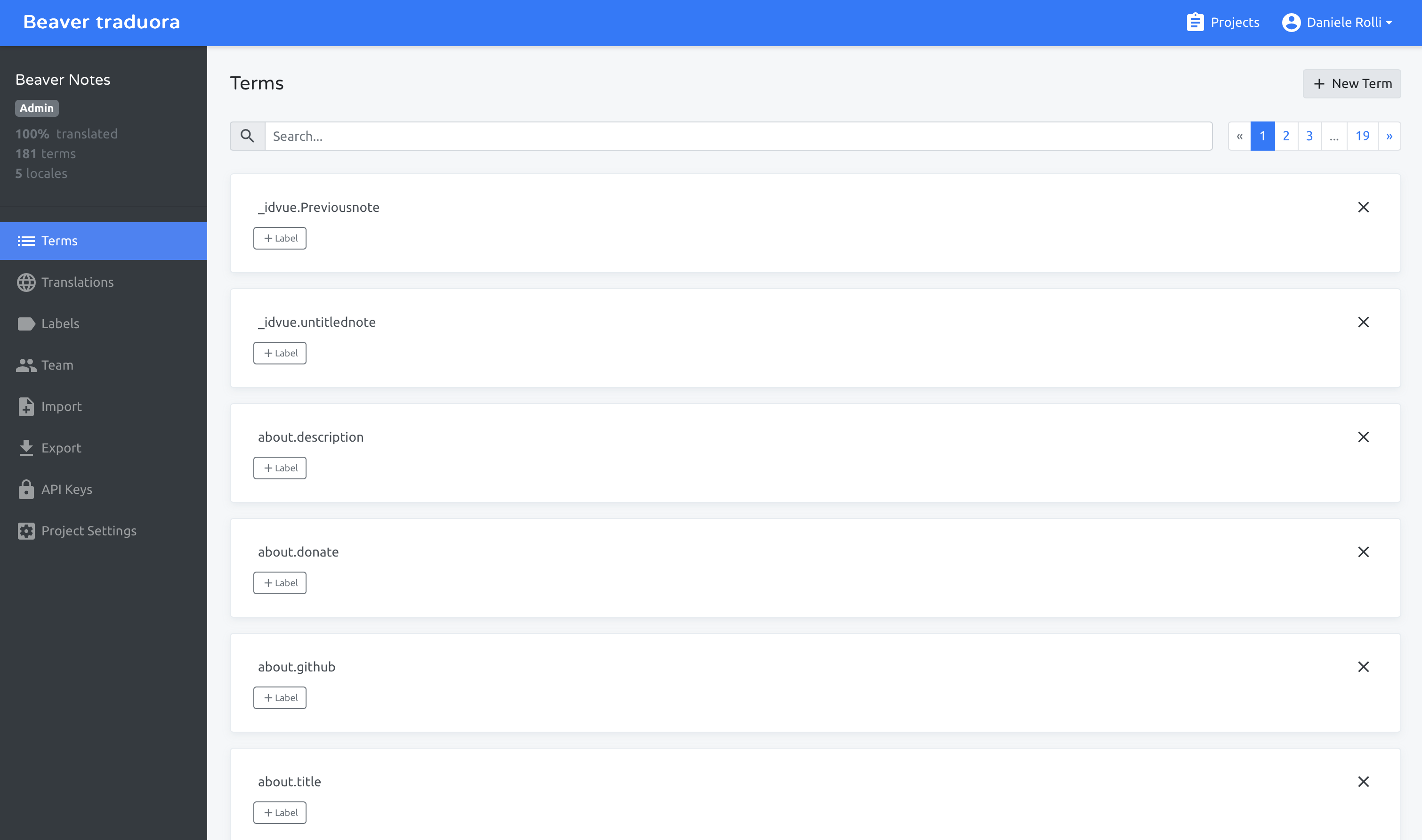
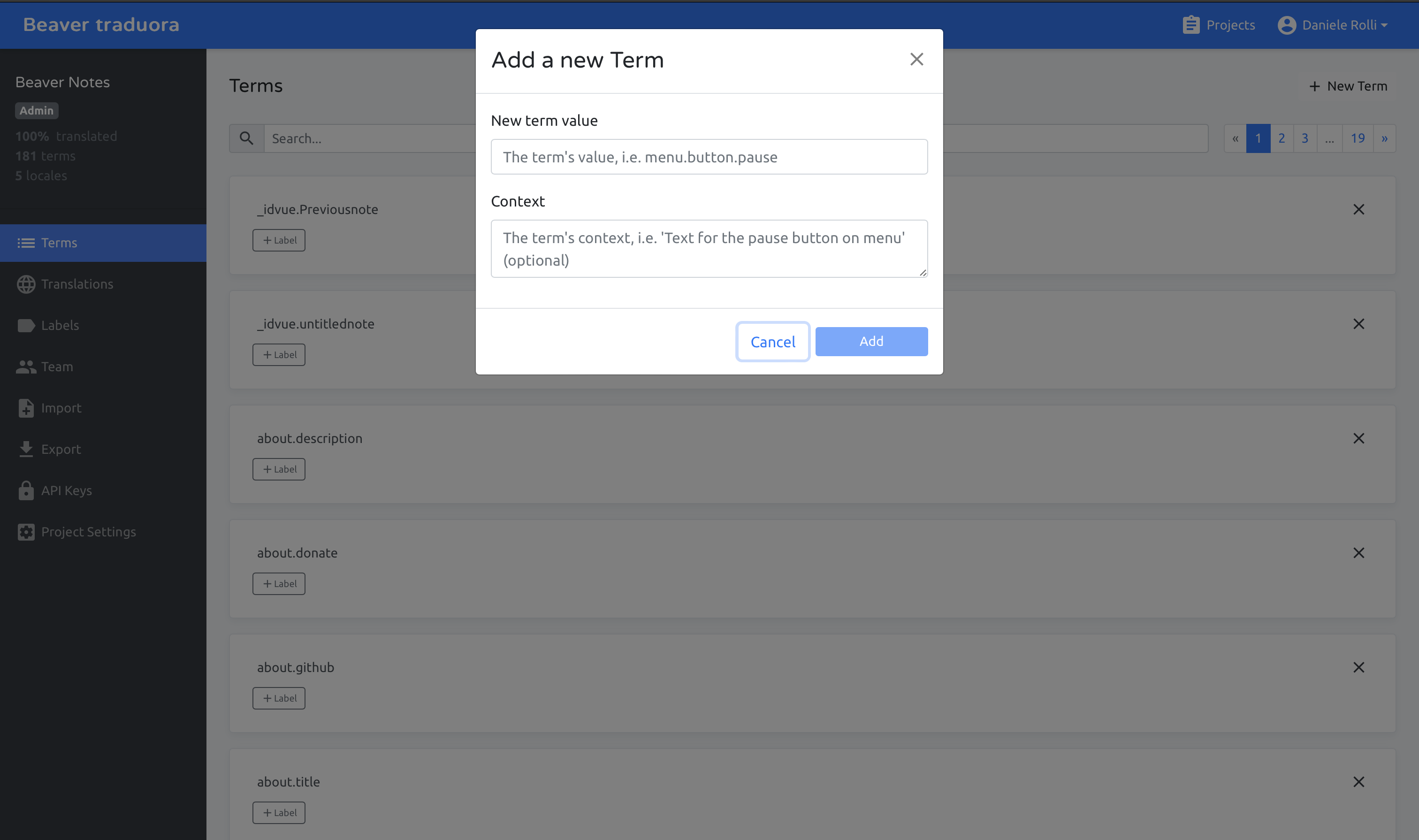
Once logged in, you’ll see the list of translatable terms grouped by section. Each term has:
- Source string (English)
- Translation field: type your translation
- Context notes where available
Focus on accuracy and natural phrasing in your language. Don’t translate technical terms like “Markdown”, “Tiptap”, or keyboard shortcut labels unless they have an established translation in your language.
Updating Local Files
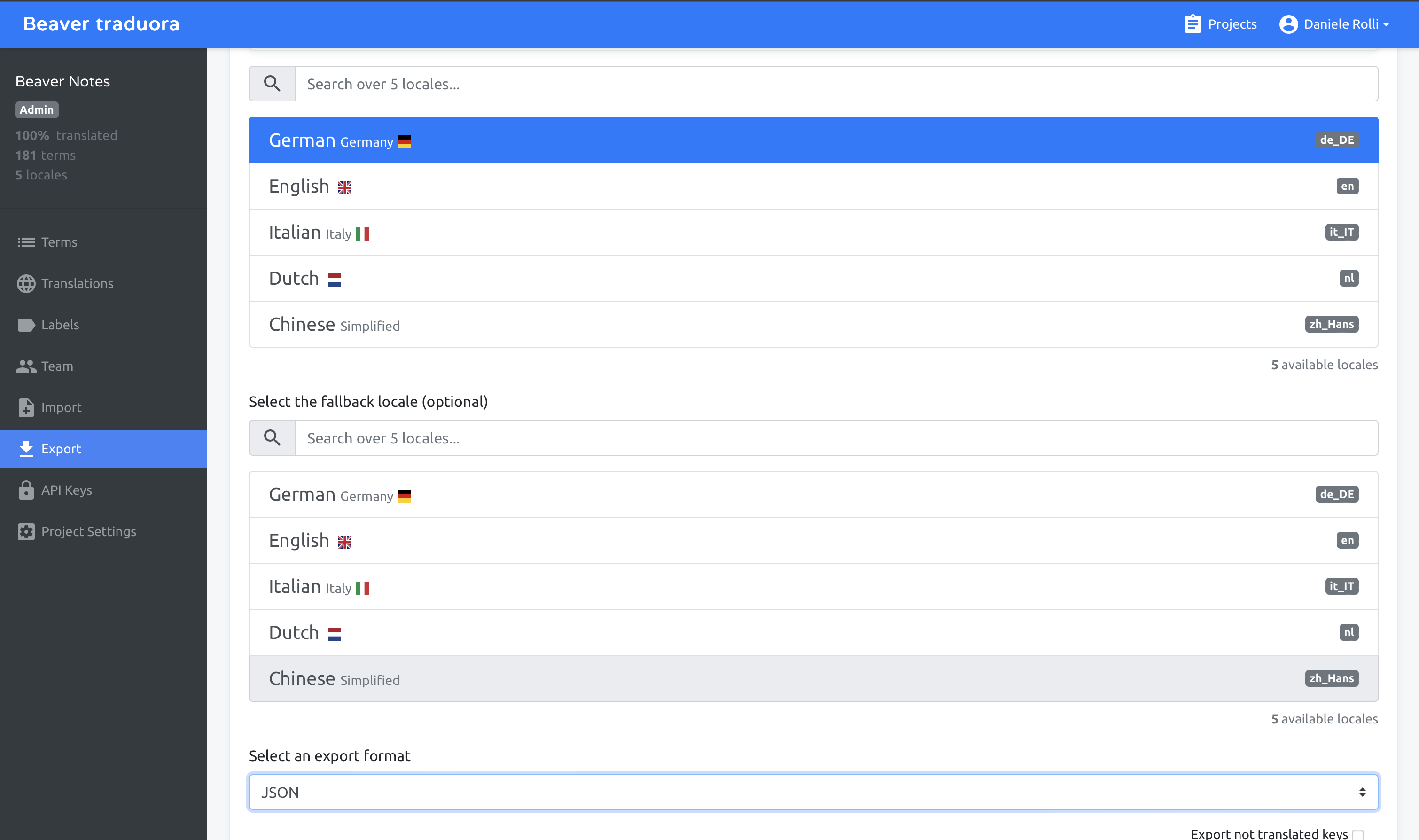
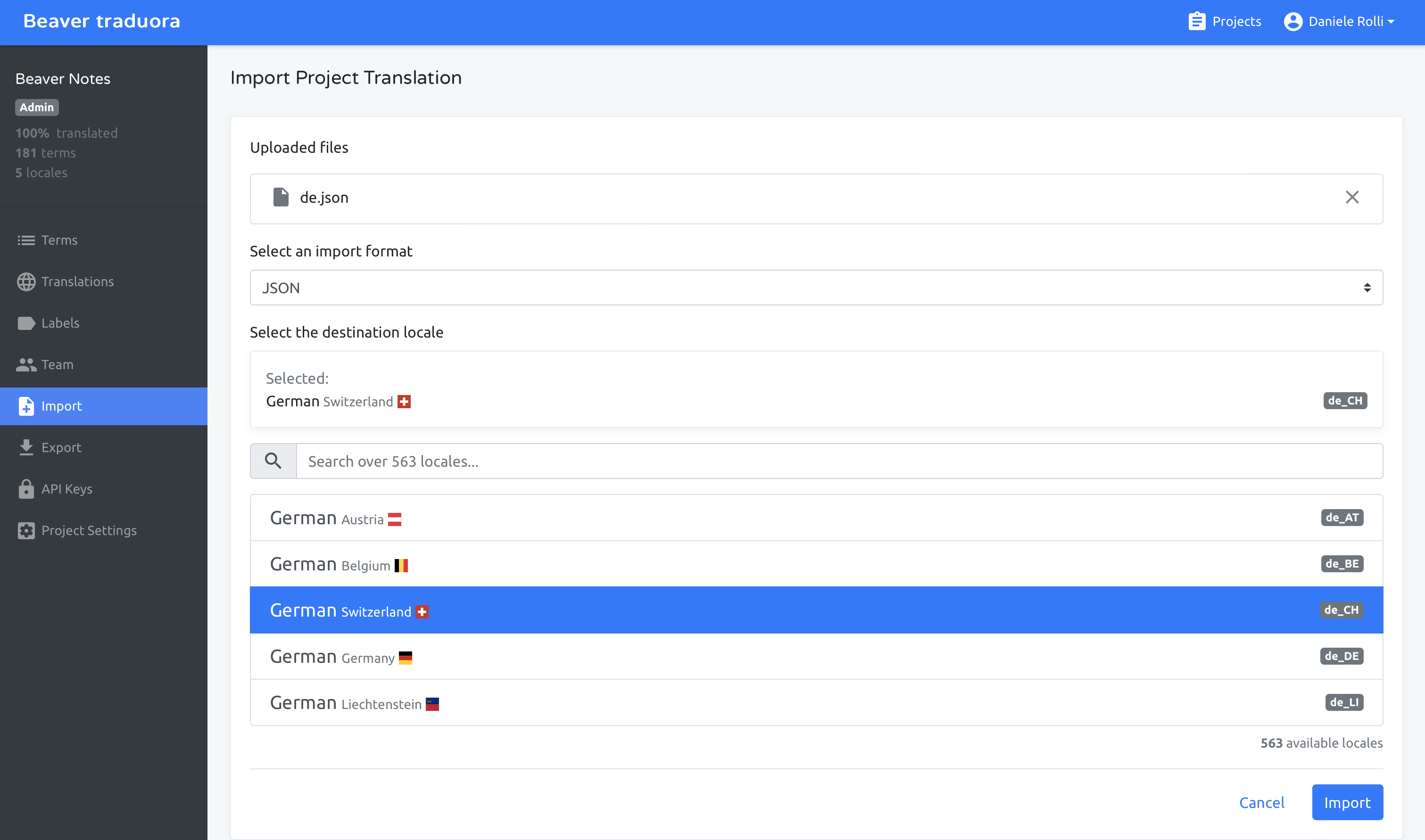
Translators don’t need to touch the repository directly. Core maintainers run:
yarn tran-update
This pulls the latest translations from the server and writes them to src/assets/locales/*.json.
To check which terms are missing for a specific locale:
yarn tran-util <locale-code>
Example: yarn tran-util fr shows French terms that need updating.
Adding a New Locale
If your language isn’t listed, email danielerolli@proton.me to request it. Once the locale is created on the server, translations can be submitted through the platform.
File Structure
src/assets/locales/
├── en.json       # English (source of truth)
├── fr.json       # French
├── de.json       # German
├── it.json       # Italian
└── ...           # Other locales
en.json is the source of truth: all other locales are checked against it for completeness.